Sales that do not wait for signal
Take orders and record payments offline. Oryon saves the sale on the device and syncs it when the connection returns.
- Sale saved
- Stock updated
- Receipt ready
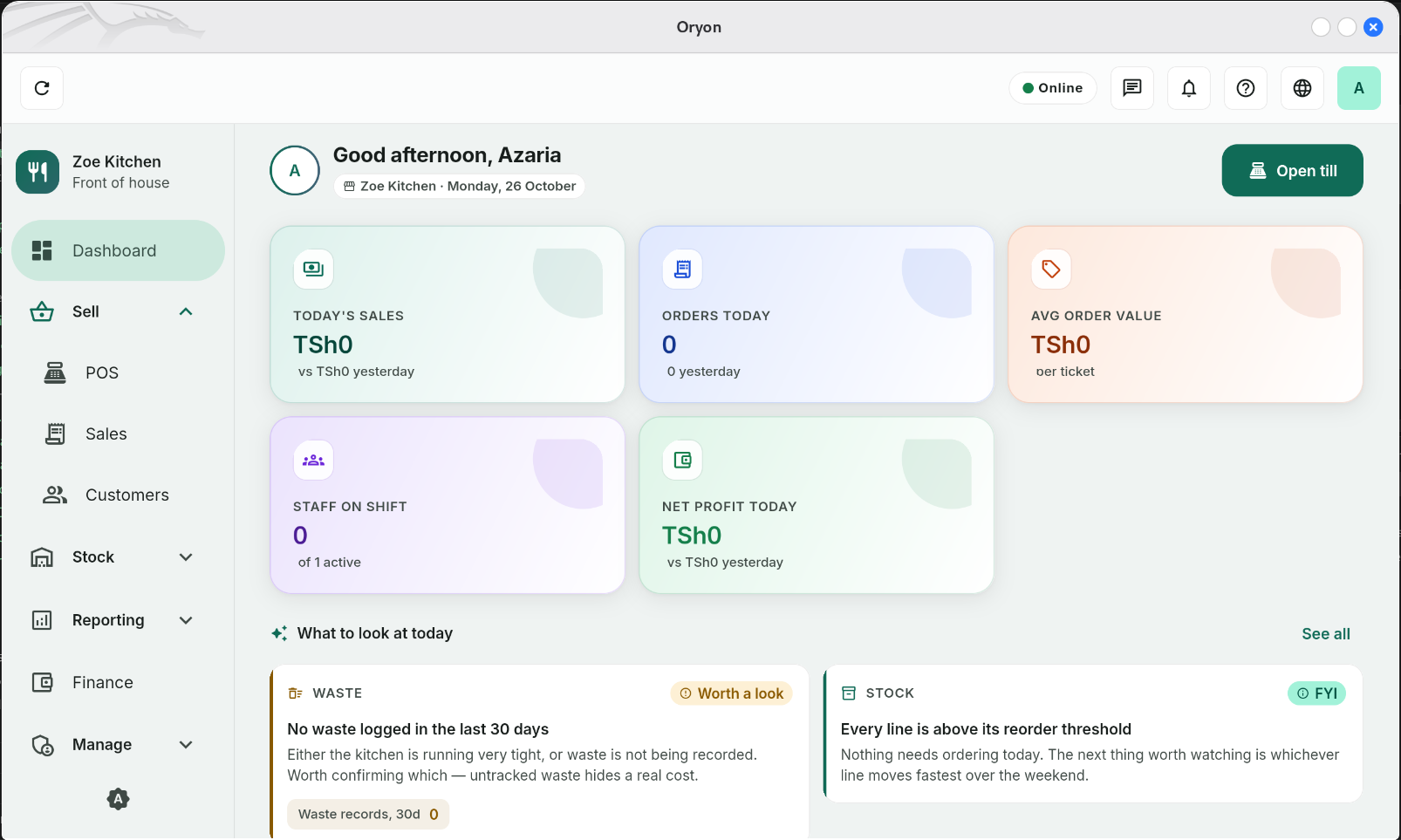
Sales, stock, staff and reports in one calm app. Keep serving when the internet drops — Oryon catches up when it returns.
The Windows installer is coming soon. See the download options.


Google Play and App Store listings are coming soon.
Sell offline
Keep the counter moving.
Track stock
Groceries and menu items.
Staff roles
One device, own PIN.
Excel and PDF
Reports you can share.
One calm workspace
Fewer tabs, fewer handwritten notes, fewer surprises at closing time. The essentials sit together and keep working when the signal does not.
Take orders and record payments offline. Oryon saves the sale on the device and syncs it when the connection returns.
Cost a dish and follow prep from ingredients to plate, so the kitchen and the stock record stay aligned.
Track groceries and menu items as you sell, receive and adjust. See what is running low before service does.
Give each person their own staff role and a shared-device PIN login. Access follows the role you set.
Review sales history and export clean Excel or PDF files for your records, your accountant or your bank.
Sales, orders, staff and stock sit together on one dashboard, so the next decision is easier to see.
We add capabilities only when they are ready for a real service.
QR and card payments
Let guests scan a QR code or pay by card, then reconcile those payments with the day’s sales.
AI mode
AgentA restaurant agent that handles the repetitive work. It prepares the daily summary, watches stock and suggests the next step, so you can stay on the floor.
Advanced reports
Deeper views for owners who want to dig further.
A sale, start to finish
Oryon keeps the routine short, whether the connection is strong or the counter is busy.
Tap items from the menu. Quantities and prices update as you go.
Record the sale in TZS and keep the queue moving.
Print or share a receipt, then start the next sale.
Sales and stock changes upload in the background when a connection returns.
Offline-first
Oryon keeps a local copy of your menu, stock and sales on the device. Sell, take payment and update stock while offline. When a connection returns, it catches up automatically.
This device
OfflineWaiting to sync
Oryon will retry automatically when the connection returns.
Your team
Every person signs in on the shared device with their own PIN. Roles keep the right screens and actions in the right hands — without separate logins for every shift.
Where you work
Start with the Windows app at the counter. The phone apps are being prepared for the stores.
The full app for your counter desktop.
Windows 10 or later, 64-bit
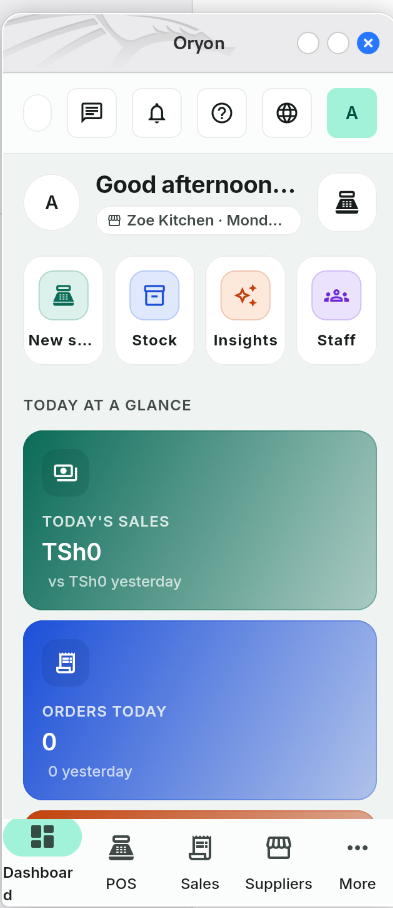
Sell, check stock and review the day from your phone.
The same calm workspace, built for iPhone.
Download options will appear here as each release is published.
Good to know
Short answers about offline work, staff, reports and getting started.
Yes. Selling, receipts, stock changes and staff actions keep working on the device. Oryon syncs them when a connection returns.
Sales, receipts, inventory for groceries and menu items, sales history, and staff roles with shared-device PIN login.
Yes. Each person has their own role and signs in with a PIN, so actions stay tied to the right person.
Yes. Oryon exports sales history to Excel and PDF, ready to share or keep for your records.
The Windows app needs Windows 10 or later, 64-bit. The Google Play and App Store listings are coming soon.
The app keeps its local database encrypted on your device and syncs it to your Oryon workspace. This website does not use advertising trackers.
Ready when you are
See what Oryon can do, or go straight to the download options.
Windows installer coming soon.